


You finish four things, add seven more, and somehow end the day with a longer to-do list than you started with. The list is meant to help you remember your work, but lately opening it feels like walking into a room where everything needs an answer.
If your to-do list keeps growing, the fix is not necessarily a faster morning routine or a better app. The more useful change is to stop treating every new thought, request, and possibility as a task you have already agreed to do. A smaller list needs a way to let things in and, just as importantly, a way to let them out.
Why the list grows even on productive days
Most lists are excellent at collecting and terrible at making decisions. An email asks whether you can help next week: you add it. You notice a messy drawer: you add it. A colleague suggests updating an old document: another line. None of these entries requires you to decide whether the work deserves a place in your week.
Meanwhile, removing an item feels more complicated. Completing it takes time. Deleting it can feel irresponsible. Saying no may involve an awkward conversation. So the list keeps a record of every possible obligation while offering very few exits.
There is another quiet problem: you may be mixing three different things in one place. Some entries are firm commitments with consequences. Others are ideas you would like to explore. The rest are reminders to make a decision, such as “figure out holiday plans.” When all three appear as identical checkboxes, an optional idea can feel as demanding as a bill due tomorrow.
Ask a different question from “How many tasks can I finish today?” Ask, “How many of these items am I actually committed to doing?” That distinction is where the list begins to shrink.
Put a small admission gate in front of new tasks
You do not need to stop capturing ideas. You need to stop promoting them automatically into promises. Keep one quick inbox for notes and incoming requests, then decide what belongs on your active list before planning your day.

For a new item, use three checks. Is it mine to do? A reminder that someone else owes you information belongs in a follow-up note, not among tasks you can finish yourself. Does it need action soon? A useful idea with no near-term reason can be saved separately. What will this displace? If your week is already full, accepting another task means moving, reducing, or declining something else.
That last question matters most. “I'll add it and find time later” sounds harmless, but it hides a trade-off. Instead, say, “I can do the new summary on Thursday if we move the slide revisions to next week.” The request has not disappeared; its cost has become visible.
For work you truly cannot refuse, the gate still helps. Mark the deadline, identify what can shift, and tell the people affected. Do not pretend an unexpected urgent task creates extra hours.
Make old items earn their place on the list
A long backlog is often full of entries that were reasonable when you wrote them and irrelevant now. Once a week, review the items that have been sitting untouched. Do not simply copy them into a cleaner-looking list. Give each one a decision.
Finish: If the task is still necessary, has a clear result, and fits your available time, keep it active. Replace “website” with “send the revised homepage copy for approval.” A concrete finish line helps you recognize when the obligation ends.
Renegotiate: If you owe someone the work but cannot do it as originally planned, agree on a smaller version or a later date. “Could I send the figures today and the commentary Monday?” is more useful than silently carrying “finish report” through five daily lists.
Park: Move a genuine possibility to a separate ideas list. Give it a review date, such as the first Friday next month. This is not a disguised second daily checklist: you are explicitly not working on it now.
Delete: Remove tasks that no longer have a purpose. Old reading suggestions, duplicate reminders, abandoned experiments, and “should probably” projects do not need lifetime memberships. If a responsibility belongs to someone else, confirm the handoff before removing it.
These are not four motivational labels. They are four different ways an item stops occupying space in your active commitments. A crossed-out task is only one kind of progress.
A realistic example: the week that keeps getting additions
Imagine Maya, who manages a small client project while working from home. On Monday her list has 19 items. By Wednesday it has 27. She has finished several client edits, but new feedback, a meeting request, a broken printer, and personal errands have all joined the same list.
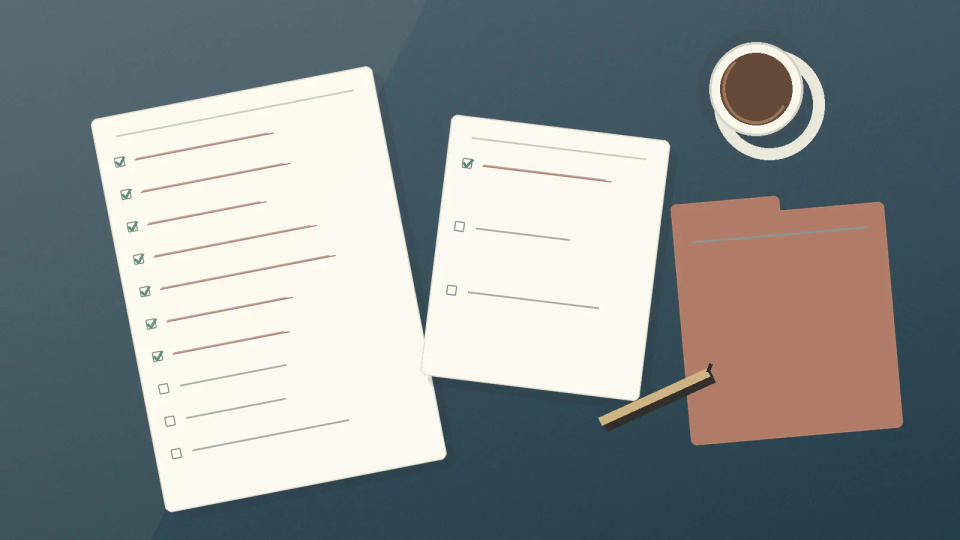
Rather than redesigning her entire system, Maya spends ten minutes sorting. She discovers two duplicate client reminders and removes them. She moves “learn video editing” to an ideas note for next month. She checks whether another teammate can handle the printer, then sends the message instead of keeping the repair on her list. She asks the client to choose between extra revisions and the original delivery date.
There are still real tasks left. The difference is that the remaining items represent decisions, not every passing thought. For Thursday, she keeps a short working view: finish the client mockup, send the revised estimate, and call the pharmacy. The rest of her real commitments stay in the weekly plan, not on today's screen.
Notice what she did not do. She did not race through tiny tasks to make the count look better. She did not move all 27 items to Friday. She made a few uncomfortable but useful choices about what belongs where.
Use a ten-minute weekly subtraction routine
Choose a consistent moment when the week is winding down. Open the full backlog, not just today's view. Start with items that have been carried forward more than once. For each one, decide: finish, renegotiate, park, or delete. If you cannot decide quickly, name the missing information and create one follow-up with a date.
Then check the next seven days against your actual calendar. Meetings, commuting, meals, and routine responsibilities all consume time. Do not schedule a full workweek of task estimates into the few hours you have between appointments. A task can stay valid without being active this week.
Finally, apply a simple entry rule for the coming week: when a significant new commitment arrives, decide what changes before you add it to the active list. This is not a rigid ban on new work. It is an agreement with yourself not to hide overload in a checklist.
If your list starts growing again, look for the source. Are other people assigning more than fits? Are optional ideas slipping into today's tasks? Are old commitments never being discussed again? Each problem needs a different response. A workload problem may require a conversation, not another organizing session.
A useful to-do list is not proof that you can handle everything. It is a current, believable picture of what you have decided to handle. Make the decisions visible, and the list can become shorter without pretending life has stopped adding things.